
Sonic Gift Card Balance
How to Check It Online, by Phone, and In Store
Found a gift card in a drawer, or got one in a birthday card and have no idea what is left on it? Checking your Sonic gift card balance takes about a minute, and there are three easy ways to do it: online, by phone, or at any Drive-In. This guide walks through each one, plus reloading, the My Sonic card options in the app, and one mix-up worth clearing up early: the Delta Sonic card, which is not a Sonic Drive-In card at all.
Everything here uses the same official channels listed on the Sonic Menu site and Sonic’s own gift card page, so you can follow along with your card in hand.
Only ever enter your card number and PIN on Sonic’s official site or on the phone lines listed on this page. Sites that ask for gift card numbers are a common scam, so check the address bar before you type anything.

Sonic Gift Card Balance Check: The Ways at a Glance
| Method | Where | What You Need |
|---|---|---|
| Online | Official Sonic Gift Cards page | Card number and 4-digit PIN |
| By phone | 1-866-657-6642 | Card number and PIN |
| In store | Any Sonic Drive-In | Just the card |
| In the app | MySONIC account | Card added to your account |
All four routes read the same balance, so pick whichever is closest to hand. Online is fastest if the card is already in front of you, the phone line is best if the PIN is giving you trouble, and in store is the fallback that always works, because a team member can scan the card even when the numbers are worn.
Sonic Gift Card Balance Check Online, Step by Step
The Sonic gift card balance check online is the method most people use, and it works the same for plastic cards and e-gift cards.
Step 1. Go to the Gift Cards page on sonicdrivein.com.
Step 2. Choose the Check Balance option.
Step 3. Type in the long card number from the back of the card.
Step 4. Enter the 4-digit PIN. On a plastic card it hides under the scratch-off panel; on an e-gift card it is printed in the email.
Step 5. Submit, and your remaining Sonic restaurant gift card balance appears on screen.
If the checker rejects your details, look for the usual culprits first: a mistyped digit, or a PIN panel that was not fully scratched. If it still refuses, switch to the phone method below rather than guessing repeatedly.
Check Your Balance by Phone
Prefer talking to a machine, or the online checker is not cooperating? Call Sonic’s gift card line on 1-866-657-6642 and follow the prompts with your card number and PIN ready. Many physical cards also carry 1-888-272-6547 printed on the back; that number reaches the same balance and reload service, so either one gets you the answer.
The phone route is also the one to use when the card itself is the problem: a scratched-off PIN, a demagnetized stripe, or a balance that looks wrong after a purchase.
Check Your Balance In Store
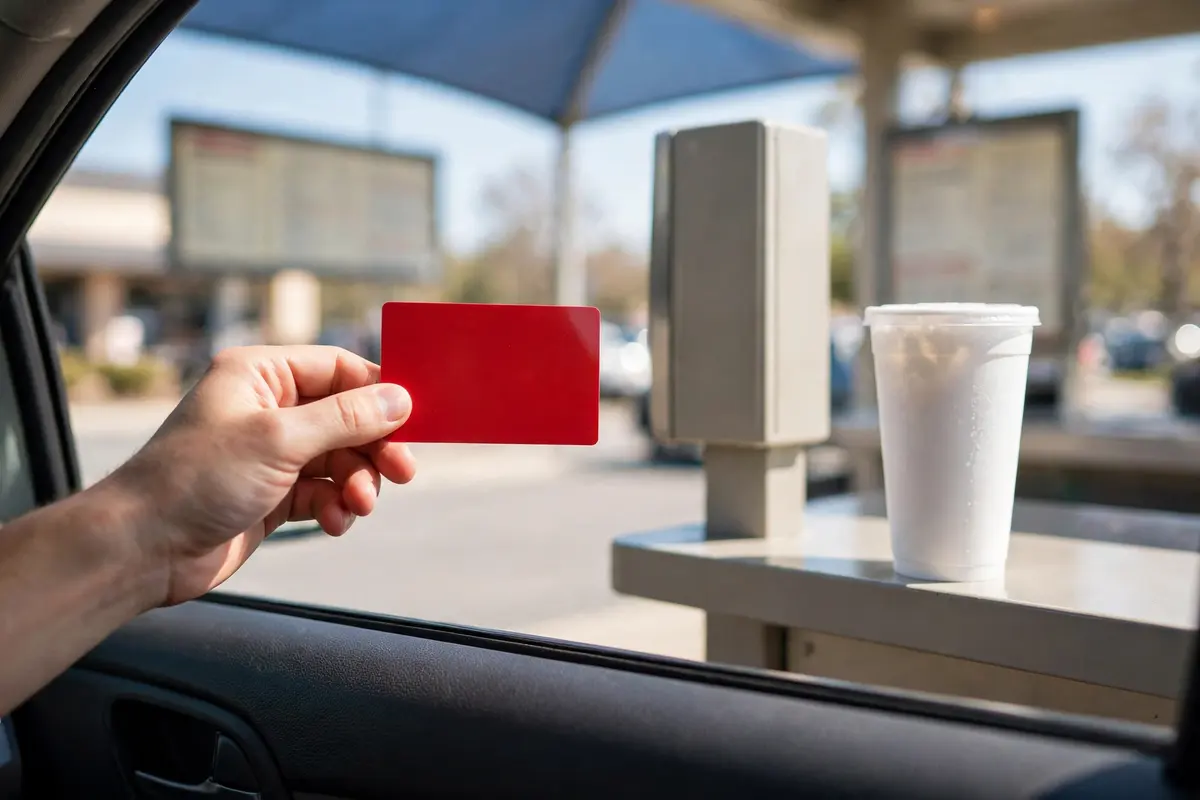
Any Sonic Drive-In can check the card at the stall or the drive-thru window. Hand the card to the carhop or team member and ask for a balance check; it takes a few seconds, and you do not have to order anything. Your balance also prints on the receipt whenever you pay with the card, which is worth a glance before you toss it, because it tells you exactly what is left for next time.
My Sonic Card: Managing Your Card in the App
If you use the Sonic app, add the card to your MySONIC account once and you will not need the plastic again. With my Sonic card saved in the app, the balance is right there when you order, you can pay from it at checkout, and reloading happens in a couple of taps instead of at the stall. It is also a quiet safety net: if the physical card ever goes missing, the card number on your account gives support something to work with.
One habit worth starting: check the balance in the app before a big order. A card with $6 left on it covers a slush run, not a car full of Blasts, and it is nicer to know that at home than at the window.
Buying and Reloading a Sonic Gift Card
Gift cards are sold at every Drive-In and on Sonic’s website, as plastic cards or e-gift cards sent by email, in set amounts or loaded with a value you choose. They make an easy gift precisely because Sonic gift cards never expire and carry no fees, so the full value waits until it is spent.
Reloading works online through the Gift Cards page with the card number and PIN, or in person at any location. If you are buying one as a Christmas gift this year, it is worth knowing the holiday hours first: most Drive-Ins close on Christmas Day, as our guide to whether Sonic is open on Christmas explains, so buy the card before the 25th. And if you are spending one, pair it with the current deals on the Sonic Promo Code page to stretch the balance further.
Delta Sonic Gift Card Balance? That Is a Different Card
This page would not be complete without clearing up the most common mix-up in this whole topic. Delta Sonic is a car wash chain based in New York, with locations in New York, Pennsylvania, and Illinois. It has nothing to do with Sonic Drive-In, the restaurant. The similar name sends a lot of people to the wrong balance checker.
To check a Delta Sonic gift card balance, use the gift card balance page on deltasoniccarwash.com, or call the Delta Sonic gift card balance number, 1-800-843-5477 (1-800-THE-KISS), and any Delta Sonic location can check it at the counter too. The two cards are not interchangeable: a Delta Sonic card cannot pay for food at a Drive-In, and a Sonic Drive-In card will not wash your car.
Lost, Damaged, or Not Working?
Treat a gift card like cash, because a lost card usually cannot be replaced without proof of purchase. If you still have the receipt, or the card sits in your MySONIC account, call gift card support on 1-866-657-6642 and explain; with a card number to work from, support can often freeze or reissue the value. For a damaged card with unreadable numbers, the in-store team can sometimes read the stripe even when your eyes cannot, so try the Drive-In before you give up on it.
Final Thoughts
Checking a Sonic gift card balance is a one-minute job: online with the card number and PIN, by phone on 1-866-657-6642, or in store with the card itself. Save the card in the app so the balance is always in view, reload it instead of replacing it, and remember that the Delta Sonic card in your glovebox belongs to a car wash, not to lunch.
Frequently Asked Questions
How do I check my Sonic gift card balance?
You can check your Sonic gift card balance three ways: online on the official Sonic Gift Cards page with your card number and PIN, by phone on 1-866-657-6642, or in person at any Sonic Drive-In, where a team member can scan the card for you.
What is the Sonic gift card balance phone number?
Sonic’s gift card line is 1-866-657-6642 for balance and reload help. Many physical cards also have 1-888-272-6547 printed on the back, and that number reaches the same balance and reload service.
Can I check my Sonic gift card balance online?
Yes. Go to the Gift Cards page on sonicdrivein.com, choose Check Balance, and enter the card number and the 4-digit PIN from the back of the card. Your Sonic gift card balance check online takes under a minute and works for e-gift cards too, using the number in the email.
Do Sonic gift cards expire?
No. Sonic gift cards do not expire, and there are no maintenance or dormancy fees, so a card you find in a drawer a year later is still worth its full remaining balance.
Can I reload my Sonic gift card?
Yes. You can reload online through the Gift Cards page with your card number and PIN, or ask at any Drive-In. Reloading keeps the same card and PIN, which makes it handy if the card is already saved in your app.
What if I lose my Sonic gift card?
Treat the card like cash, because Sonic generally cannot replace a lost card without proof of purchase. If you have the receipt or the card number saved in your MySONIC account, contact gift card support on 1-866-657-6642 and they will tell you what can be done.
Is Delta Sonic the same as Sonic Drive-In?
No. Delta Sonic is a car wash chain in New York, Pennsylvania, and Illinois, and it is a completely separate company from Sonic Drive-In. A Delta Sonic gift card balance can only be spent at Delta Sonic locations, and a Sonic Drive-In card only works at the restaurant.
Why does my gift card PIN not work?
The PIN sits under a scratch-off panel on the back of physical cards. Scratch gently with a coin, because scratching hard can take the digits off with the coating. If the number or PIN is unreadable, call gift card support on 1-866-657-6642 with whatever digits you can still read.